

Product Description:
Elevate your server's player experience from the very first second!
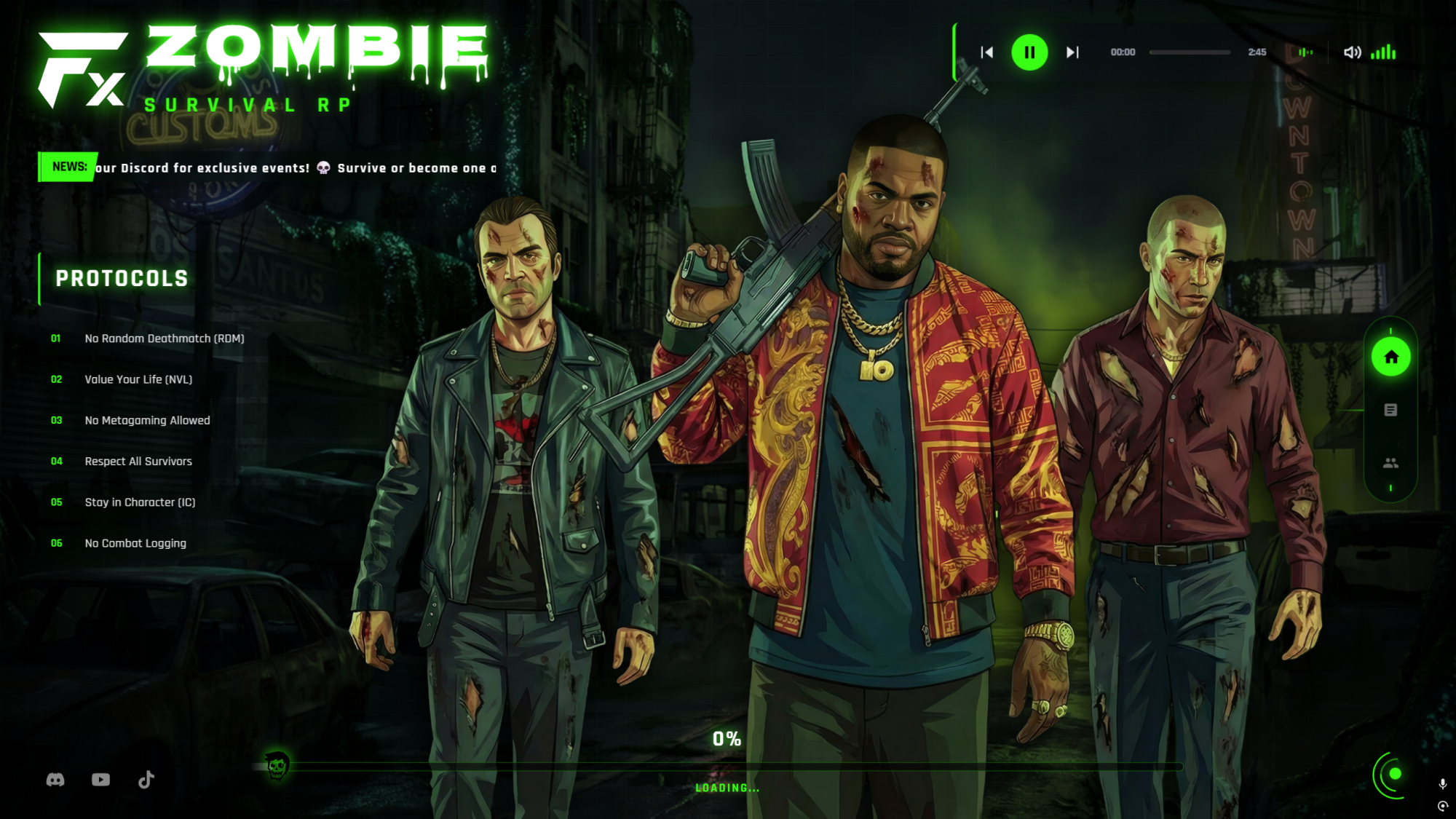
The Fx Zombie Loading Screen is a highly polished, performance-optimized, and visually stunning loading screen designed specifically for apocalypse, survival, and horror-themed FiveM servers. Built with cutting-edge web technologies, it ensures a 100% sharp and crystal-clear UI on any resolution.
🔥 Key Features:
- 💎 Ultra-Sharp 4K UI: Powered by GPU hardware acceleration and smart scaling, ensuring zero blurriness even on 4K monitors.
- 🧟 Custom Zombie Cursor: A unique, theme-integrated SVG cursor that replaces the default pointer for a fully immersive experience.
-
🎵 Interactive Music Player:
- Dynamic equalizer animation.
- Mouse-wheel volume control for easy adjustments.
- Playlist support with auto-play functionality.
-
📊 Dynamic Information Tabs:
- Protocols (Rules): Clearly list your server rules.
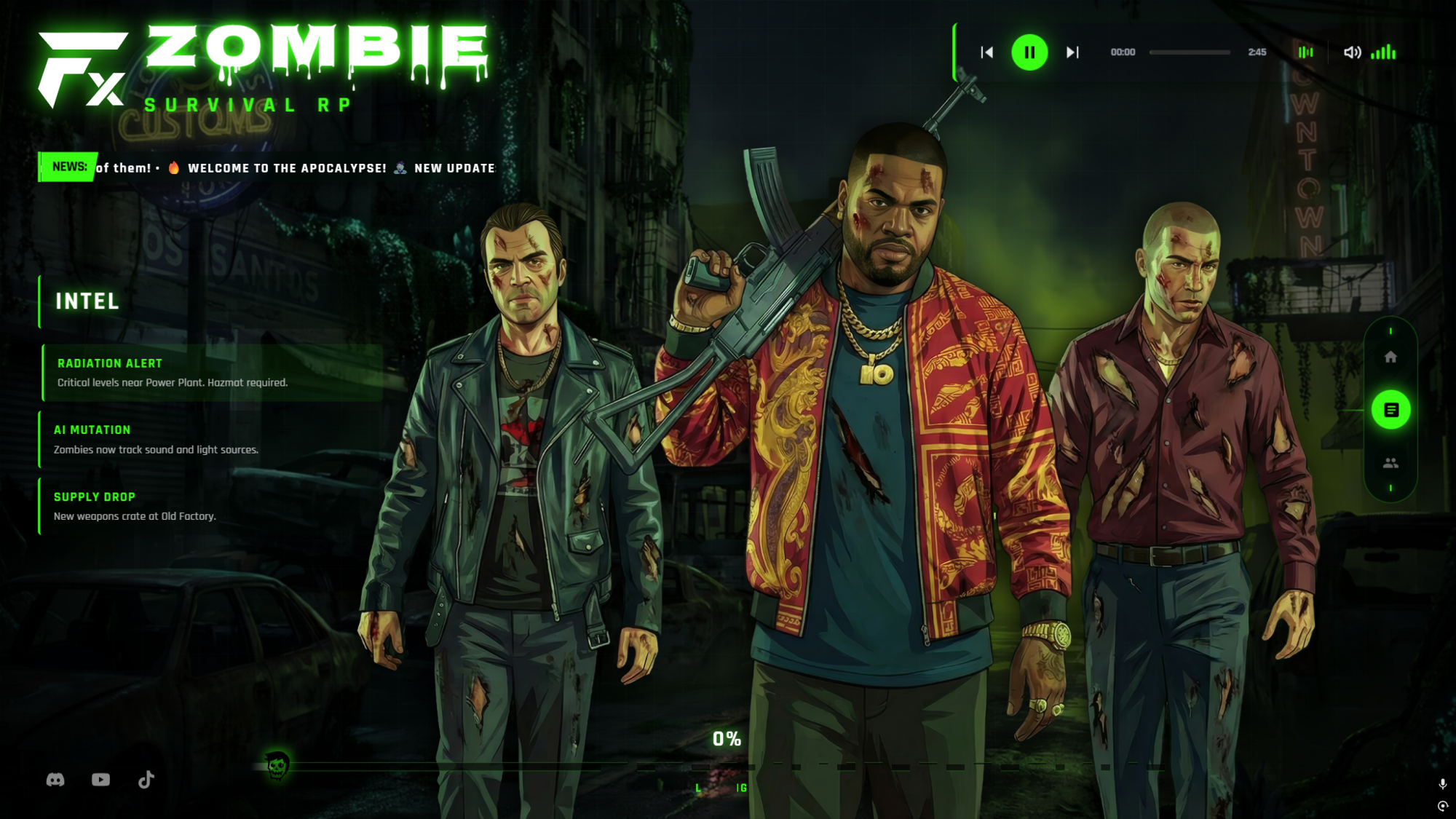
- Intel (Updates): Keep players informed about the latest server changes.
- Command (Staff): Showcase your dedicated team members.
- 📰 Scrolling News Marquee: A sleek, animated banner for urgent announcements or server news.
-
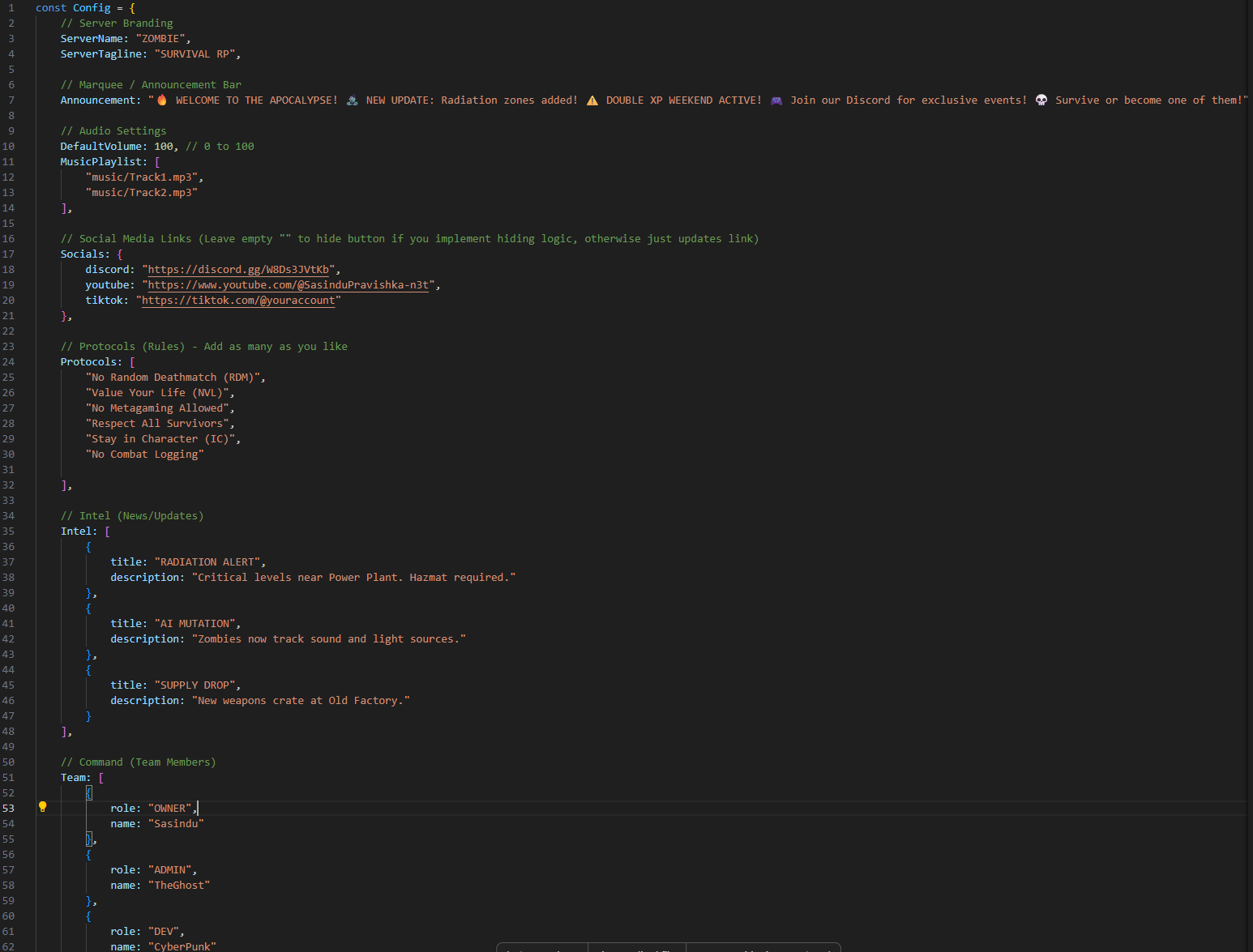
⚙️ 100% Configurable: Every text, image, color, and music track can be easily changed via a single
file.config.js - 🚀 Multi-Framework Support: Native compatibility with QBCore, ESX, and Qbox progress events.
Technical Highlights:
- Pixel-Perfect Scaling: Perfectly centered and responsive on all screen sizes.
- Lightweight & Fast: Optimized asset loading with zero console warnings.
- Clean Code: Senior-developer level structure for easy customization.
How to Install:
-
Drag and drop the folder into your
resourcesdirectory.
-
Add
ensure Fx_Zombie_Loading_Screento your
server.cfg.
-
Configure your settings in
html/config.js.
