

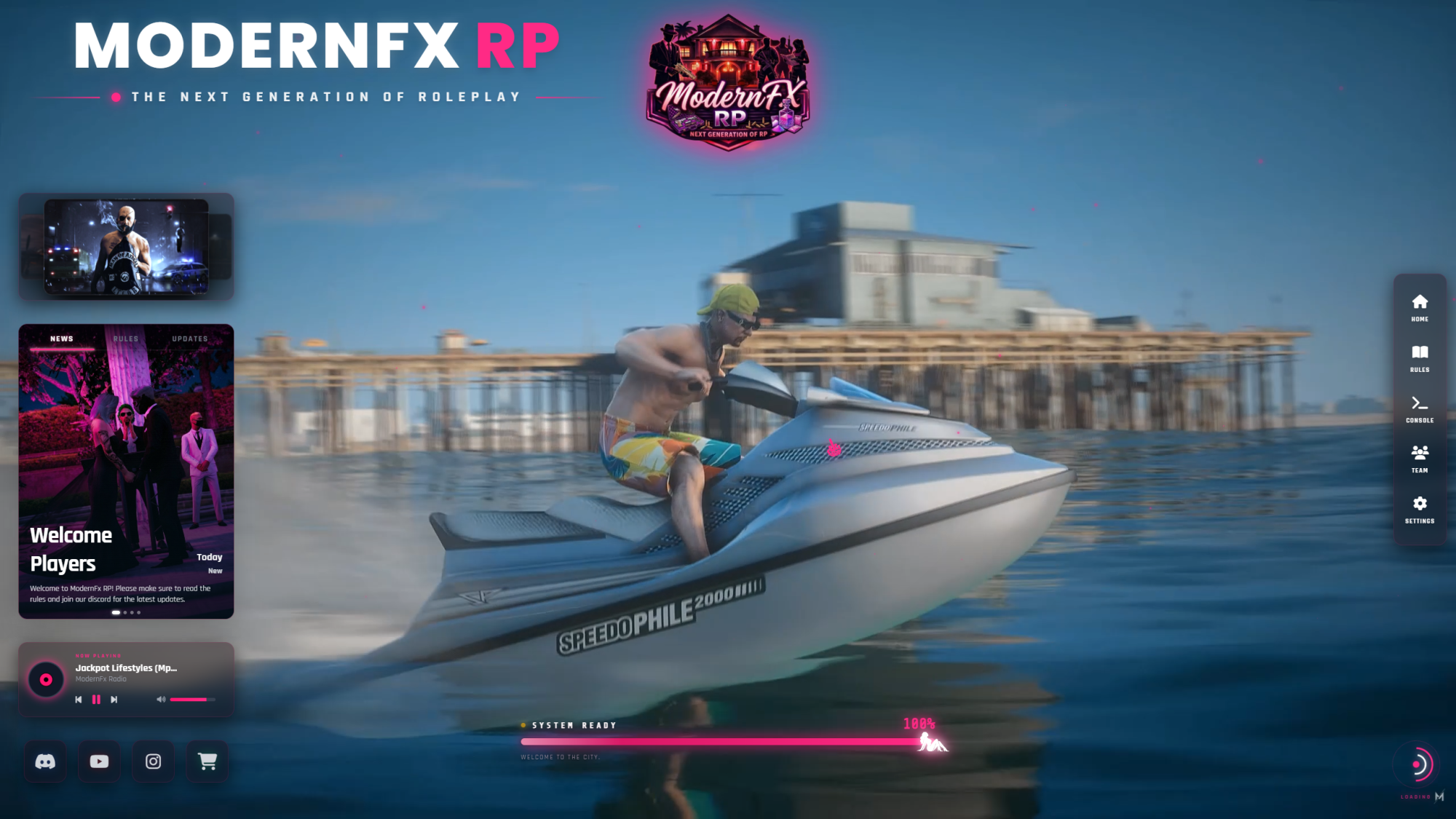
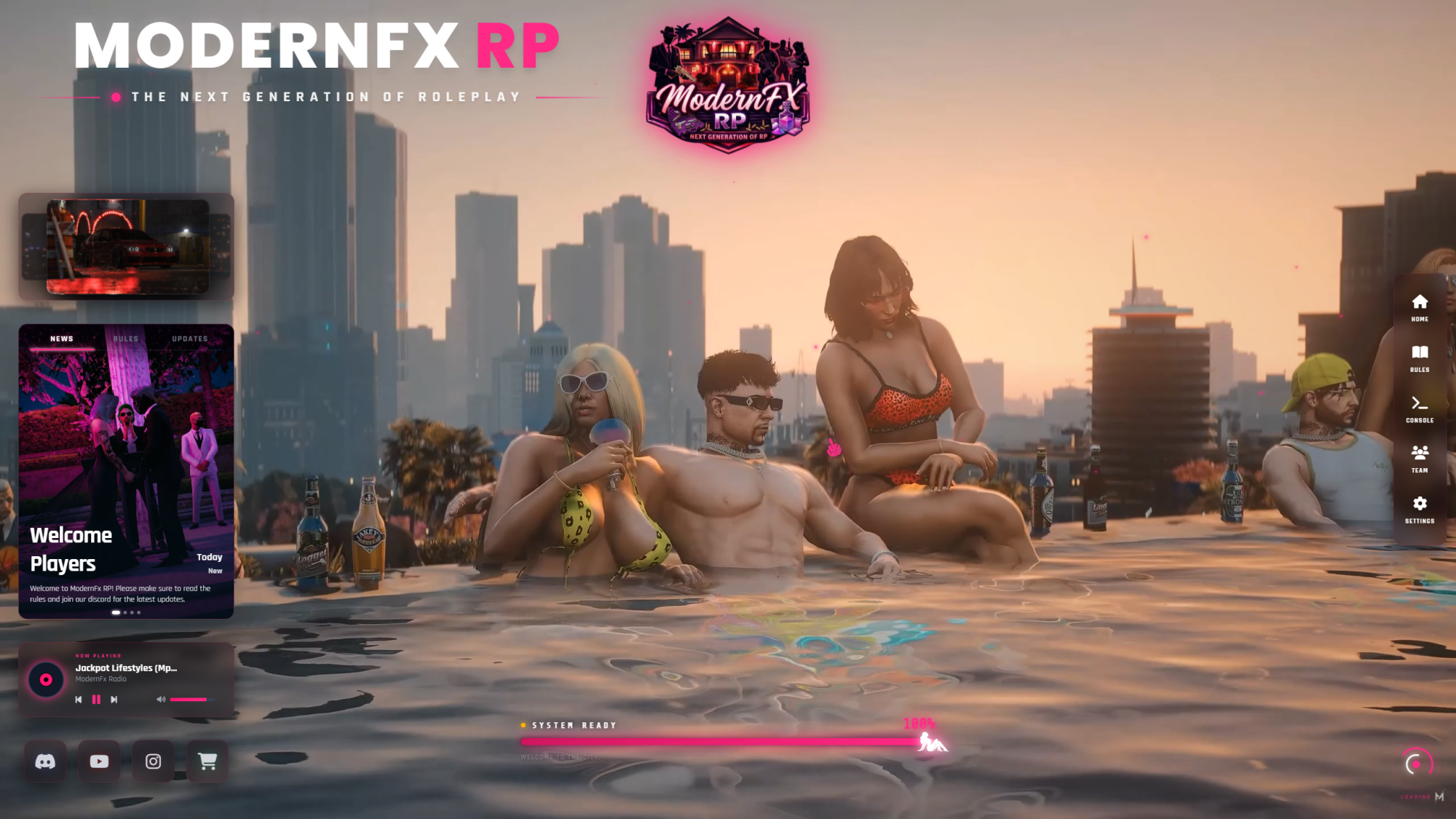
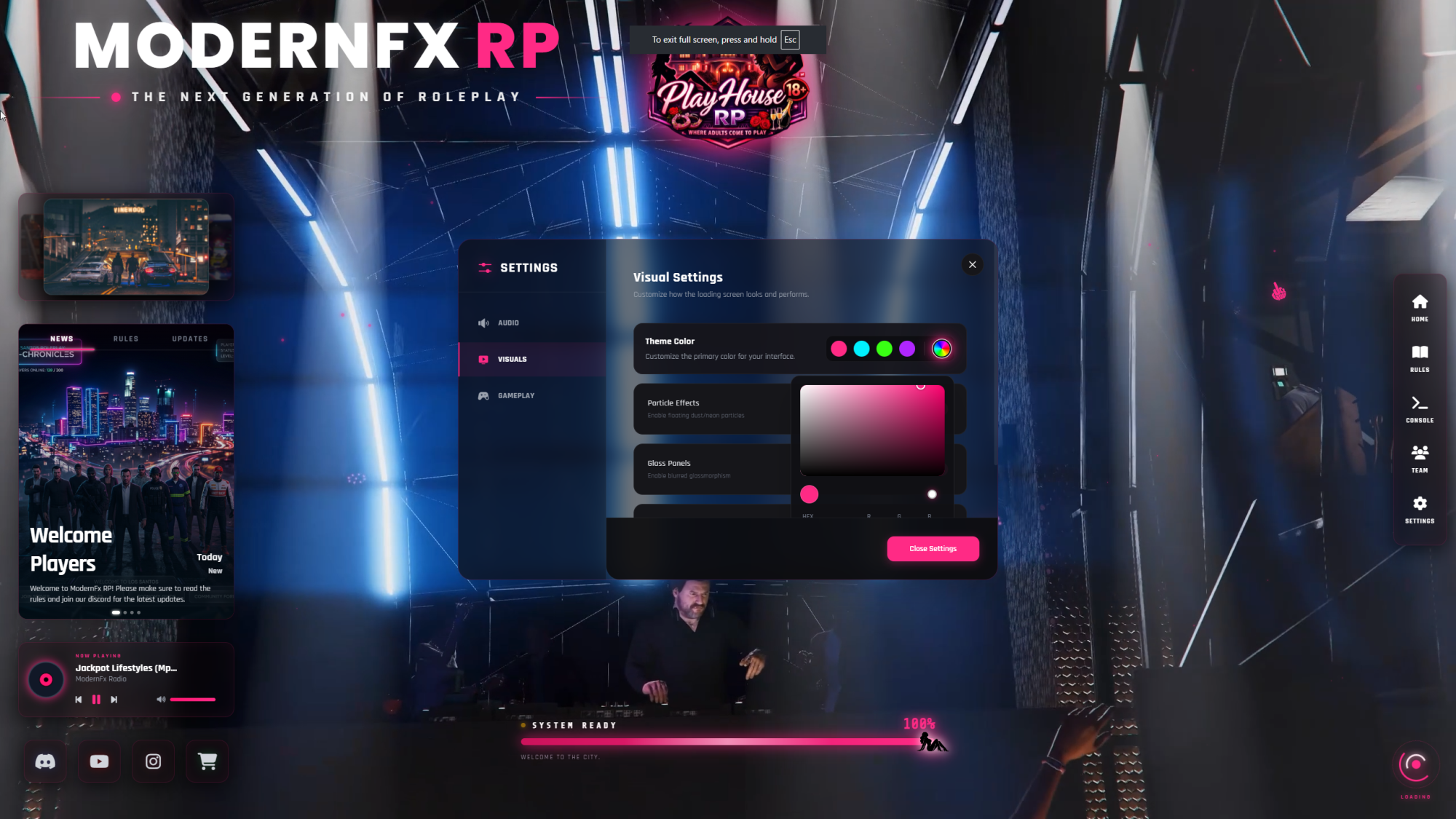
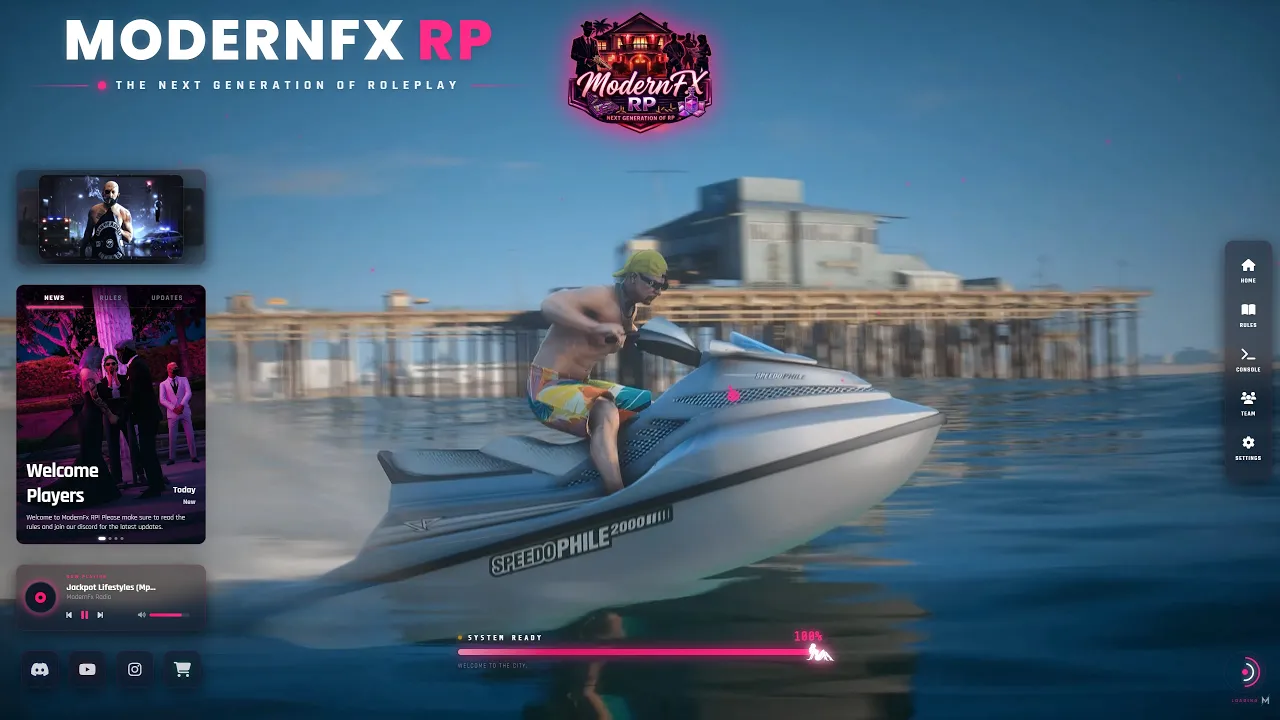
Give your players the highest quality first impression with the ModernFX Loading Screen. This is a premium, fully customizable, and feature-rich loading screen built specifically for modern FiveM servers. It is optimized to run smoothly on any framework including QBCore, ESX, Qbox, or custom frameworks.
Features:
- Premium Design: High-quality user interface with smooth transitions and animations.
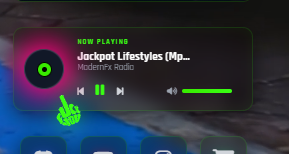
- Background Media: Full support for background videos and a builtin music player with custom playlists.
- Interactive 3D Gallery: Dynamically showcase the best moments of your city.
- Information Hub: Keep your community informed with interactive tabs for Server News, Rules, and Updates.
- Team Panel: Elegantly display your founders, developers, and staff members with integrated social media links.
- Universal Compatibility: 100% standalone and works seamlessly alongside any framework.
- Effortless Configuration: Every text, image, link, and color can be edited easily through a single, well-documented configuration file.
Installation:
-
Purchase and download the resource.
-
Drag and drop the
Fx2026_Loading_Screenfolder into your server's resources directory. -
Open
html/config.js to brand it for your server.
-
Add
ensure Fx2026_Loading_Screento your server.cfg.
